
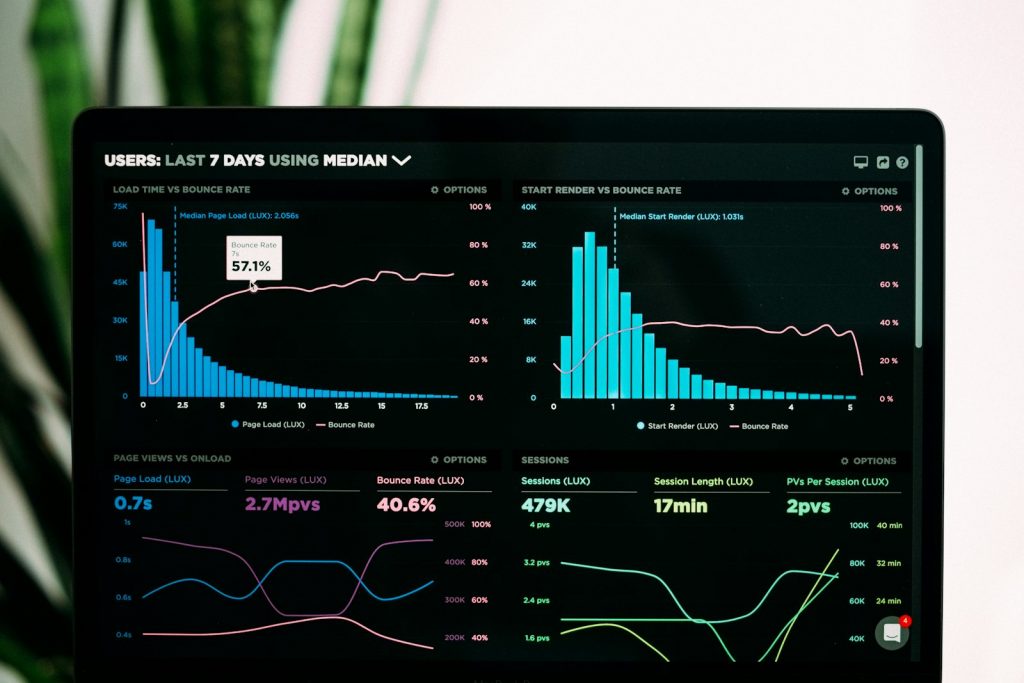
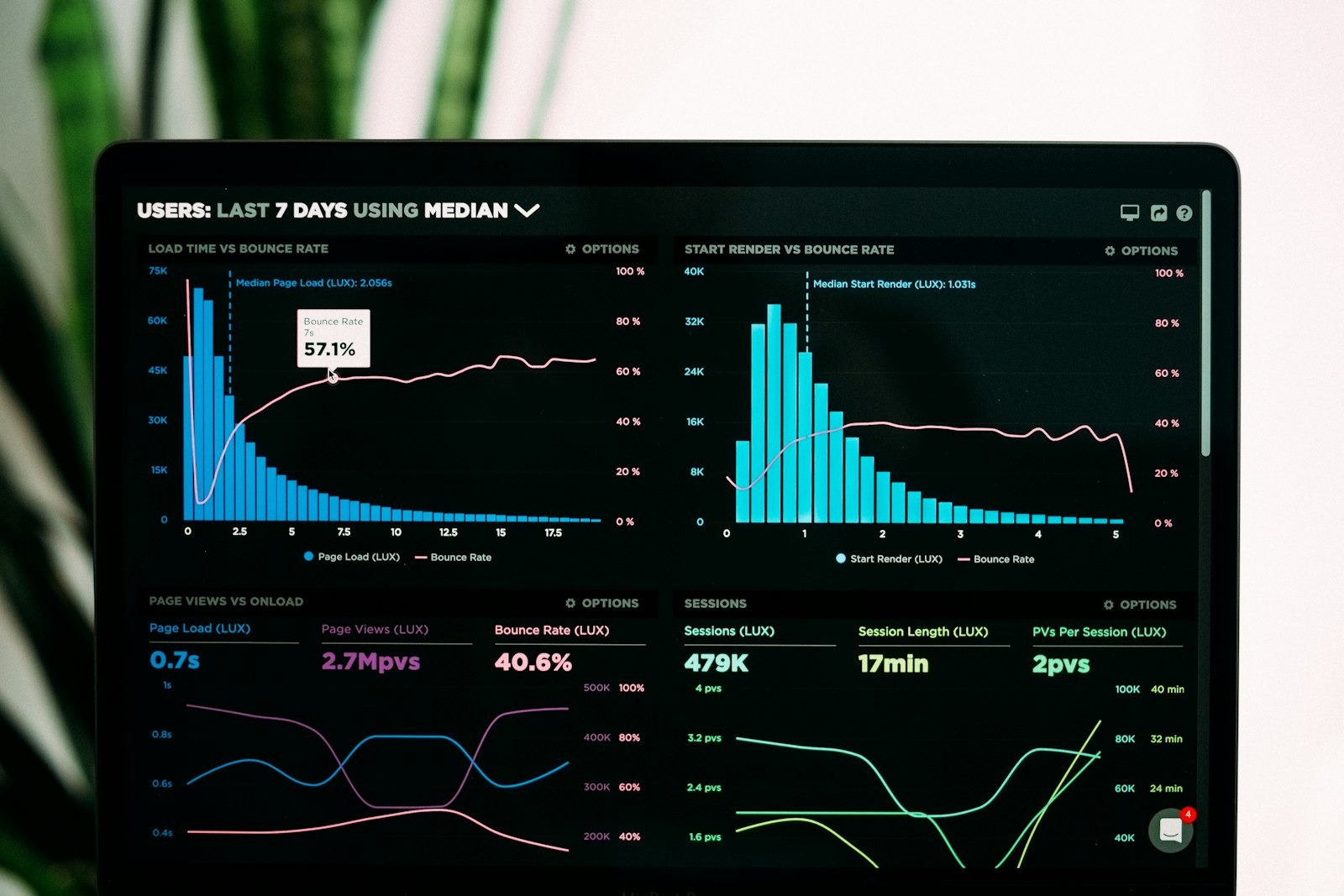
We have already covered what big data is and how analytics squeeze its potential. But a practical question remains: what tools does the business actually interact with? A dashboard is only useful if the tool behind it connects, models and visualizes without friction. Here are the 10 Business Intelligence (BI) tools for your company that lead the market.
What a BI tool should do
Above the hype, a good BI tool connects disparate sources, enables data modeling and delivers visualizations any manager understands. The goal: decide with data, not intuition.
The catalog: 10 tools to consider
| Tool | Profile | Strength |
|---|---|---|
| Tableau | Large enterprises | Advanced visualization & ecosystem |
| Microsoft Power BI | SME to corporation | Microsoft 365 integration |
| Qlik Sense | Associative analysis | Exploration without fixed paths |
| Looker | Cloud (Google) | Centralized semantic modeling |
| IBM Cognos | Corporations | Full management control |
| Google Data Studio | Marketing/Web | Free & native Google |
| Metabase | Open source | Lightweight & self-hosted |
| Sisense | Embedded BI | Analytics inside your product |
| Spotfire | Data science | Discovery & prediction |
| Apache Superset | Open source | Scale & full control |
How to choose among the 10 Business Intelligence (BI) tools for your company
- Data maturity: if your sources are chaotic, prioritize governance before the tool — our guide on how to choose a technology partner in 2026 covers the next step.
- Self-service vs. centralized: will business or only IT use it?
- Total cost: license, training and maintenance, not just list price.
- Data exit: avoid locking your analytics in.
The most common mistake
Buying the most powerful tool and expecting the data to speak for itself. Without a clear data model and a defined use case, BI becomes a pretty, abandoned panel. Technology is 30%; purpose and governance are 70%.
At BAOSS we help choose and deploy the right BI tool for your maturity, connecting your sources and designing dashboards the business actually uses — the same discipline behind what BAOSS is.
Not sure which BI tool fits your company? Talk to our consulting team.
Prefer to talk to us directly? Contact the BAOSS team and tell us about your challenge.